

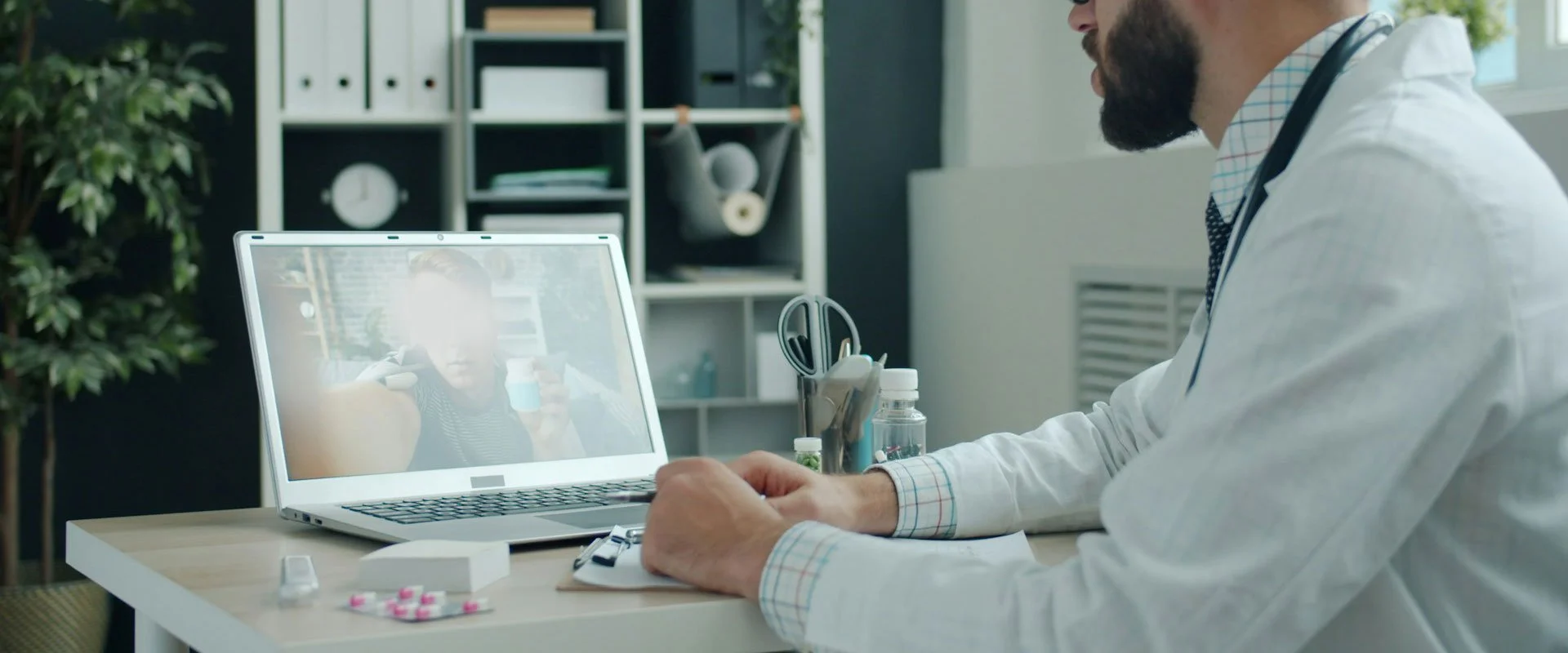
Telehealth Appointments
Geelong Specialist Group (GSG) offers secure video consultations with our specialist team, allowing patients to access specialist medical care from anywhere in Australia without travelling to our rooms in Geelong.
We use healthdirect Video Call, a secure, browser-based platform for healthcare consultations. You do not need to create an account or download an app to attend your appointment.

Secure & Private
Consultations via healthdirect Video Call, a secure healthcare platform.

Convenient Access
Receive specialist care from home or anywhere in Australia.

No App or Account Needed
Join your consultation using a simple link sent by our reception team.
Please read the following information before your appointment to ensure you are prepared and can make the most of your consultation.
1. How should I prepare for my appointment?
To help us prepare for your consultation, please complete the following before your appointment.
Complete the New Patient Form: All new patients are required to complete our secure online New Patient Form. This provides us with your personal details, medical history, current medications and other relevant information.
Arrange your referral: A valid referral from your GP or another treating doctor is required. Please ask your referring doctor to send the referral to Geelong Specialist Group before your appointment.
Provide relevant investigations: Please arrange for recent blood test results, imaging, pathology reports and relevant specialist correspondence to be forwarded to our rooms.
Prepare your medication list: Have an up-to-date list of your medications, including doses and frequency, available during your consultation.
Have your Medicare card available: Please have your Medicare details available if you are eligible for a Medicare rebate.
Prepare your questions: Consider writing down any questions or concerns you would like to discuss with your specialist.
If you have diabetes and use a glucose sensor or insulin pump, please also refer to the section below on connecting your diabetes device data before your appointment.
2. How do I join my Telehealth appointment?
Geelong Specialist Group uses healthdirect Video Call for telehealth consultations.
Your individual appointment link will be sent to you by our reception team before your scheduled consultation.
To join your appointment:
Locate the Healthdirect Video Call link sent to you by Geelong Specialist Group.
Approximately 5 minutes before your scheduled appointment, click the link.
Enter your name and any other requested details.
Allow your browser to access your camera and microphone when prompted.
Follow the on-screen instructions to complete the connection checks.
Select Continue to enter the virtual waiting room.
Your specialist will join you when they are ready to commence your consultation.
Please remain in the virtual waiting room until your specialist joins. You do not need to contact reception to confirm that you have arrived.
If you have not received your appointment link, please contact reception on (03) 4232 3113 before your scheduled appointment.
What equipment do I need?
You will need:
A computer, laptop, tablet or smartphone with a working camera and microphone.
A reliable internet connection.
A reasonably quiet and private location where you can speak comfortably with your specialist.
A charged device or access to a power supply.
For the best experience, we recommend using a computer or tablet where possible, with a stable Wi-Fi connection.
You can find additional information about using healthdirect Video Call here.
3. What if I have difficulty connecting?
If you experience difficulties joining your consultation:
Check that your internet connection is working.
Ensure your browser has permission to access your camera and microphone.
Try refreshing the page or reopening your appointment link.
If possible, try using another browser or device.
If you are still unable to connect, please contact Geelong Specialist Group on (03) 4232 3113.
Our reception team will assist with alternative arrangements where possible. If a video consultation cannot be arranged, your specialist will determine whether an alternative consultation is clinically appropriate or whether your appointment needs to be rescheduled.
4. How long will my appointment take?
Appointment duration vary depending on the specialist, the type of consultation and the complexity of your medical condition.
Initial consultations generally require additional time to review your medical history, investigations and treatment options. Follow-up consultations may be shorter, depending on your clinical requirements.
Your appointment confirmation will provide details of your scheduled consultation.
We aim to commence consultations at the scheduled time. Occasionally, an earlier consultation may take longer than anticipated, resulting in an unexpected delay. We appreciate your patience if this occurs.
5. How do I pay for my Telehealth appointment?
Telehealth consultations are subject to the same fee arrangements as in-person consultations.
Geelong Specialist Group is a private billing practice and does not routinely bulk bill. Consultation fees vary by specialist and appointment type.
If you have a valid referral and meet Medicare eligibility requirements, you may be eligible for a Medicare rebate towards your consultation costs. The rebate amount depends on the relevant Medicare Benefits Schedule item and the service provided.
Please refer to our Appointment Fees and Billing Information for further information.
Our reception team can assist with any questions about consultation fees or Medicare rebates before your appointment.
6. How can I contact the Geelong Specialist Group?
If you have any questions about your appointment, need assistance connecting to your video consultation or require help with your registration, please contact our reception team.
Geelong Specialist Group
Telephone: (03) 4232 3113
Fax: (03) 4232 3114
Opening hours: Monday–Thursday, 8:30 am–5:00 pm.
I use a glucose sensor or insulin pump. How do I share my diabetes data before my appointment?
If you have diabetes and use a continuous glucose monitoring (CGM) device or an insulin pump, we strongly encourage you to link your diabetes data-sharing account to your treating specialist before your appointment.
This allows your specialist to review your glucose patterns, time in range, hypoglycaemia, hyperglycaemia and, where applicable, insulin delivery and pump settings in preparation for your consultation.
Please complete the connection process before your appointment, as this will allow your specialist to review your information in advance.
Select the platform you use below and follow the relevant instructions.
Dexcom (Dexcom Clarity)
If you use a Dexcom G6 or G7 continuous glucose monitor, you can share your glucose data through Dexcom Clarity. Please follow the instructions below to connect your account to your treating specialist.
FreeStyle Libre (LibreView)
If you use a FreeStyle Libre glucose sensor, you can share your glucose data through LibreView. Please follow the instructions below to connect your account to your treating specialist.
Glooko
If you use Glooko to manage your diabetes data, you can share your information with your healthcare provider through Glooko ProConnect. Please follow the instructions below to connect your account to your treating specialist.
Medtronic CareLink
If you use a Medtronic insulin pump or continuous glucose monitoring system, you can share your device data through CareLink Personal. Please follow the instructions below to connect your account and share your information with your treating specialist.
Omnipod Discover
If you use the Omnipod 5 insulin delivery system, you can share your diabetes data through Omnipod Discover. Please follow the instructions below to connect your account and share your information with your treating specialist.
What if I cannot connect my diabetes data?
If you are unable to establish a connection, please contact our team before your appointment on (03) 4232 3113.
Alternatively, you may be able to download a PDF report from your diabetes management platform and provide it to our rooms through an approved secure document submission method.
Please do not email your account passwords or share your personal login details with the practice.
Important: Connecting your diabetes data allows your specialist to review your information in preparation for your consultation. It does not provide continuous glucose monitoring or 24-hour clinical surveillance. Please continue your usual diabetes management and monitoring arrangements.
Get in touch
If you would like to make an appointment or have any questions, we’re here to help you.
